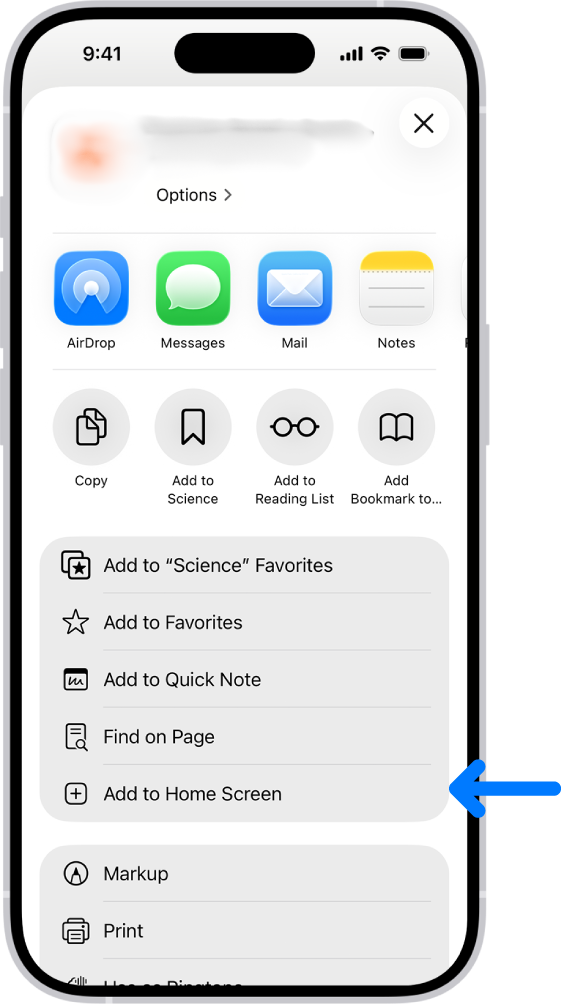
Add this site to your Home Screen
You can add a website icon to your iPhone Home Screen for quick access.
- Go to the Safari app
 on your iPhone.
 - Open https://clinicalresearch.urologyalliance.com/ or any other related website page you may want to your home screen
- Tap
 , then tap Share.
If your Tabs layout is Bottom or Top, tap
 .
. - Scroll down the list of options, then tap Add to Home Screen.
- Tap Add.
The icon appears only on the device where you add it.